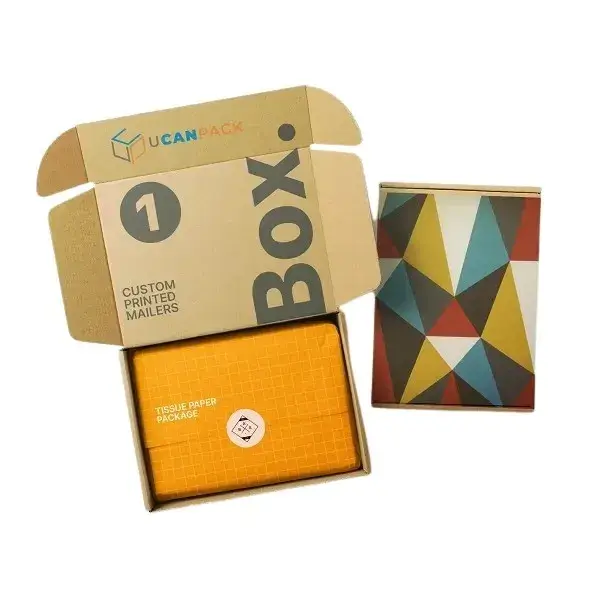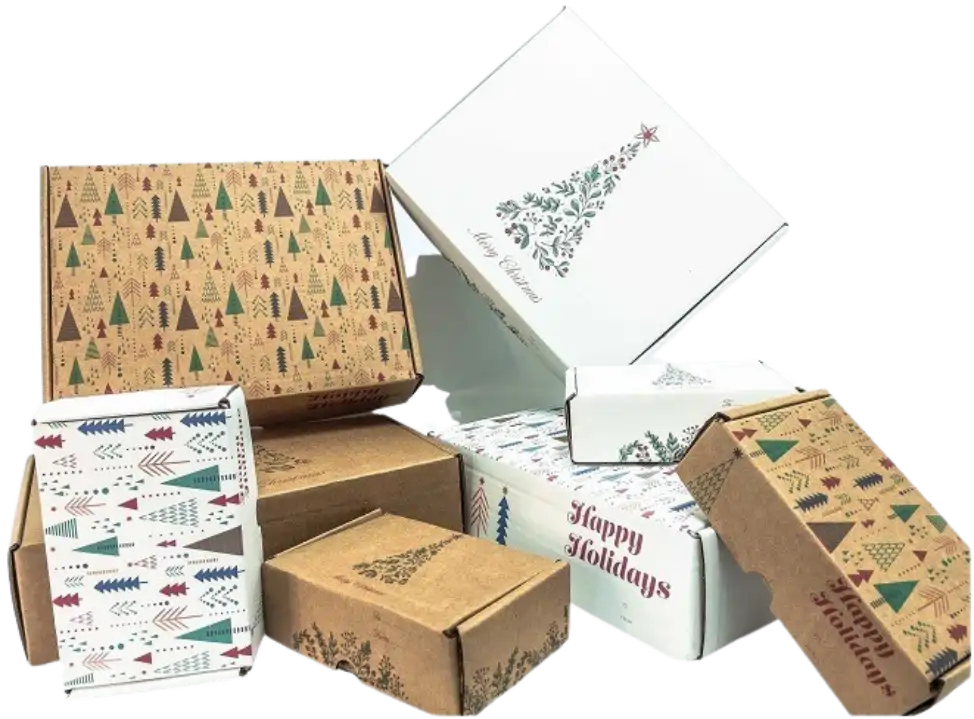
Custom printed mailer boxes

Custom Mailer Boxes

Colorful custom printed shipping and mailer boxes
  • 3D panel previewVerify artwork placement
  • Quantity pricingShown in the designer
  • SKU-specific setupSize, color and flute

Configure your box

1 of 3

Quantity breaks, unit price and order total are shown in the 3D designer.

No listed size fits? Request custom dimensions →
Application
Ecommerce orders, kits and sample packs
Board
E-flute or B-flute, by SKU
Print setup
Panel map shown in 3D designer
Dimensions
Fixed stocked sizes
Custom route
Quoted dimensions and specification
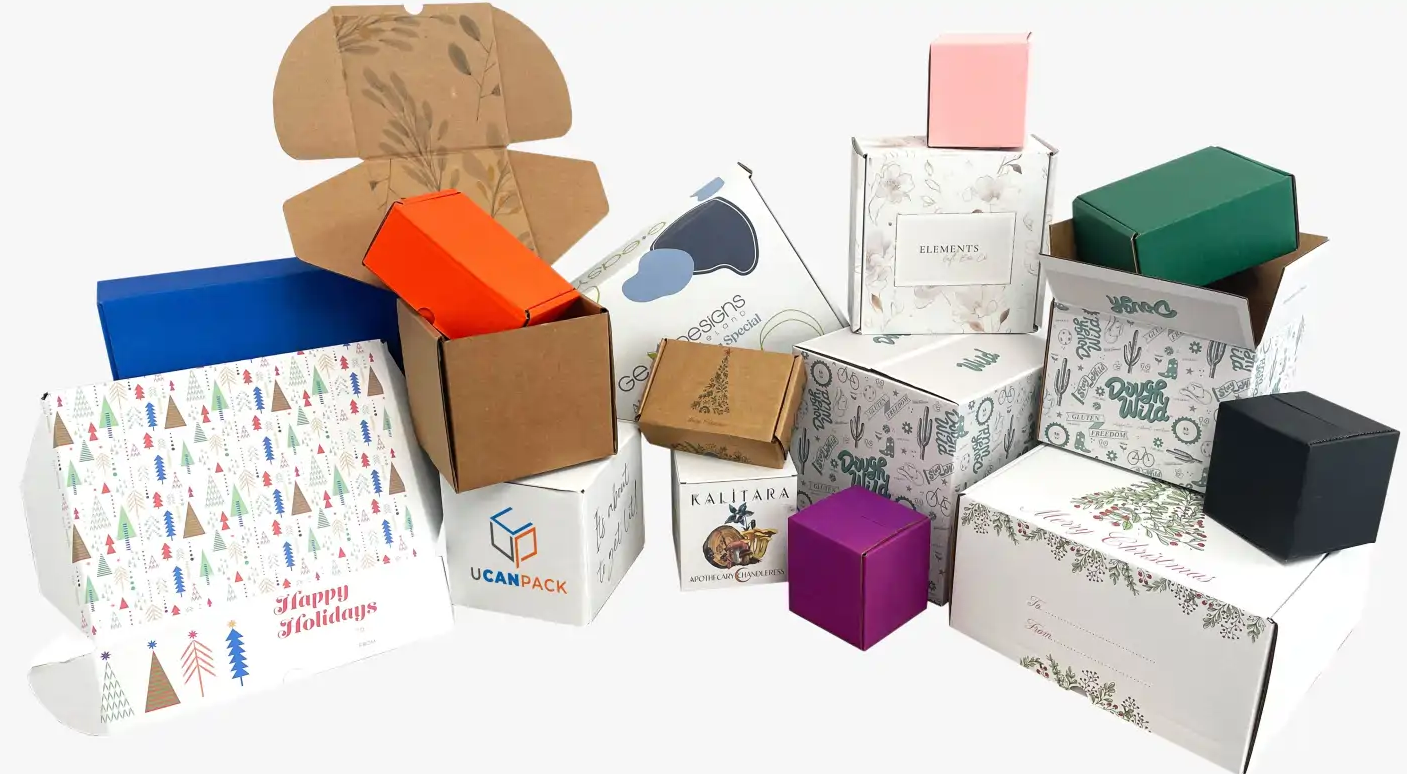
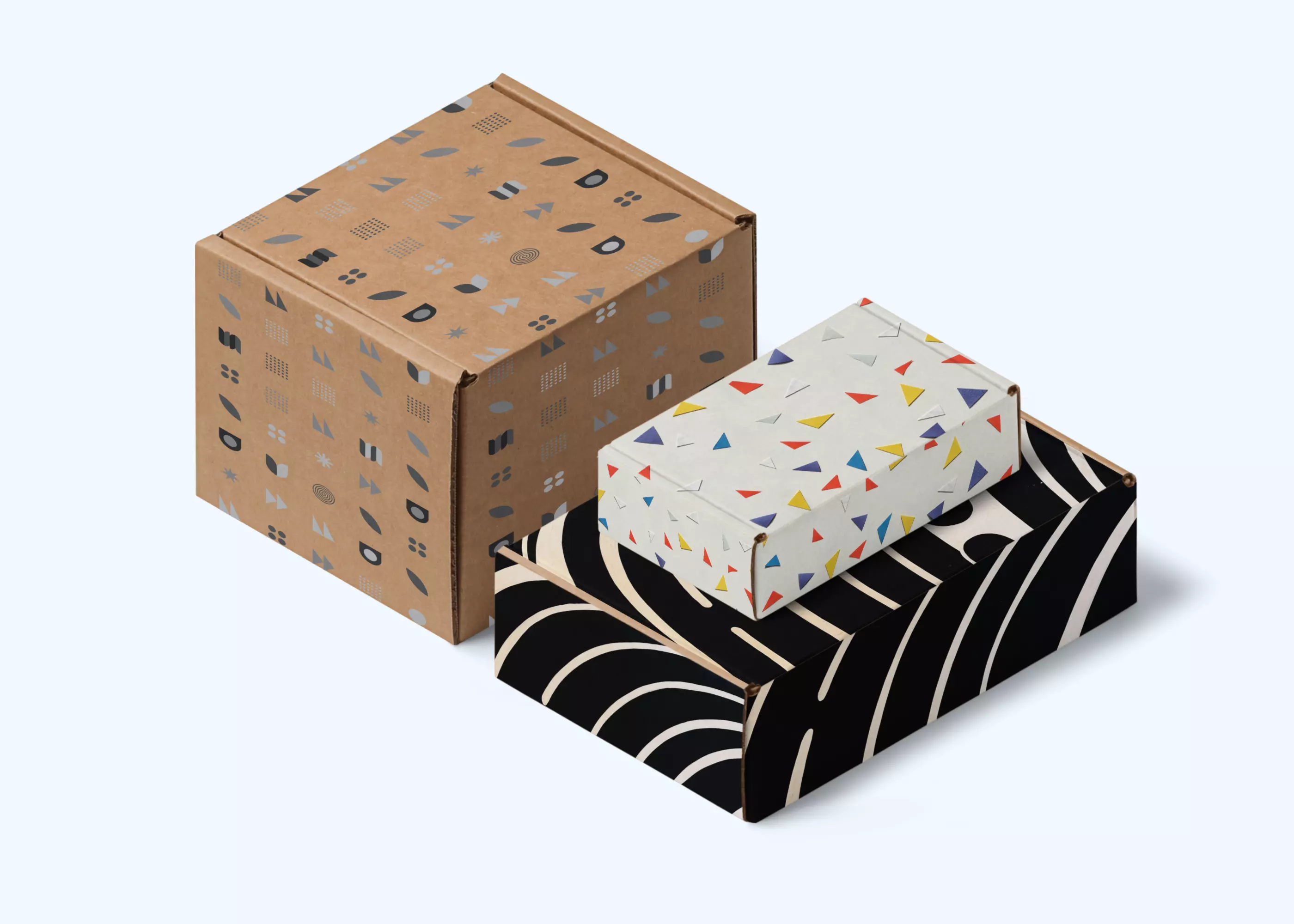
Examples of corrugated shipping boxes, mailer boxes and compact product packaging

Structure and print areas

Mailer box construction and panel printing

The online range consists of die-cut corrugated mailer SKUs with fixed listed dimensions. Selecting a size filters the available board color, flute and printable panel map.

  • Exterior panels: place logos, graphics and text only on the surfaces enabled in the designer.
  • Interior panels: coverage is SKU-specific; confirm the panel map before preparing artwork.
  • Fit calculation: measure the packed product, including inserts, partitions and void fill.
  • Order review: verify panel orientation, copy, graphics and quantity before adding the configuration to cart.

Board construction

E-flute and B-flute options

Flute affects the corrugated profile and finished board caliper. Availability is assigned by SKU and appears after a size is selected.

E-flute

Thinner corrugated profile

E-flute has a lower corrugated profile than B-flute. Finished caliper depends on the board combination assigned to the SKU.

  • Lower profile than B-flute
  • Lower nominal board thickness
  • Confirm availability for the selected size
B-flute

Thicker corrugated profile

B-flute has a higher corrugated profile than E-flute. Finished caliper depends on the board combination assigned to the SKU.

  • Higher profile than E-flute
  • Higher nominal board thickness
  • Verify packed weight, closure and transit requirements
MaterialDie-cut corrugated board
Board colorFiltered by selected SKU
Printable panelsShown in the 3D panel map
PricingQuantity breaks shown in designer

Online ordering workflow

Select the SKU, configure print, verify price

The selected size controls the available color, flute, printable panels and quantity breaks.

  1. 01

    Select stocked dimensions

    Compare listed dimensions with the packed product, including inserts, partitions and void fill.

  2. 02

    Select board color and flute

    The finder limits these fields to combinations assigned to the selected SKU.

  3. 03

    Configure artwork

    Place artwork and text on enabled panels and verify orientation in the 3D view.

  4. 04

    Verify and add to cart

    Check panel layout, quantity break, unit price and order total before submitting the configuration.

Size and specification routes

Stocked sizes or custom dimensions

Use the online configurator for a stocked SKU. Use the custom route when the listed dimensions or structure do not meet the packing specification.

Online configurator

Stocked SKU with custom printing

Select a listed size, board color and flute, then configure the enabled print panels in the 3D designer.

  • Fixed stocked dimensions
  • SKU-specific board color and flute options
  • Quantity breaks and pricing shown in the designer
Project quotation

Custom-size die-cut box

Submit packed-product dimensions, weight, packing method, print coverage and required quantity for specification review.

  • Dimensions and board specification reviewed separately
  • Print coverage defined by project requirements
  • Quantity and pricing confirmed by quotation

Mailer box or shipping box?

Select the carton type from the packed dimensions, weight, packing operation and transit requirements.

CompareCustom mailer boxCustom shipping box
Typical applicationSingle-item ecommerce packs, kits, samples and subscription shipmentsWarehouse packing, multi-item orders, storage and larger transit cartons
Structure and useDie-cut mailer format with folding closure and SKU-defined print panelsTransit-oriented carton for packing, storage and larger shipments
Selection routeUse the size, color and flute finder on this pageView custom shipping boxes
Selection checksCompare packed dimensions and weight, void fill, closure, board specification, carrier handling and transit-validation requirements.

Custom mailer box specifications and ordering

The selected SKU controls dimensions, board color, flute, printable panels, available quantities and price.

Select a stock size
Which stock sizes are available online?

The size selector lists the dimensions currently assigned to the online mailer configurator. Selecting a size loads only the board colors and flute options assigned to that SKU.

How should I choose a size for my product?

Measure the complete packed product length, width and height, including inserts, partitions and cushioning. Compare those measurements with the listed size and confirm tolerances with UCanPack when fit is critical.

Which E-flute or B-flute options are available?

Not every stocked size is configured in both flute profiles. After selecting a size and board color, the finder displays the flute options assigned to that configuration.

Which parts of the mailer box can I print?

The 3D designer identifies the artwork-enabled panels for the selected configuration. Do not assume that every interior and exterior panel is printable; contact hello@ucanpack.com if a required panel is not enabled.

Where do I see prices and available quantities?

Complete the size, color and flute selection, then open the 3D designer. It displays the available quantity breaks, unit price and order total for the resolved SKU.

Can I upload finished artwork?

Add artwork and text to the enabled panels in the designer. Review placement, orientation, scale and every printed surface before adding the configuration to cart.

What if none of the listed dimensions fit?

Use the custom-size box route. Provide packed length, width, height and weight, plus inserts, cushioning, required quantity and print coverage for specification review.

Configure a custom mailer box

Select a stocked size to load its board color, flute, print-panel, quantity and price options.

RECENTLY VIEWED